
New Update | Critical Power History: See What’s Shaping Your Critical Power

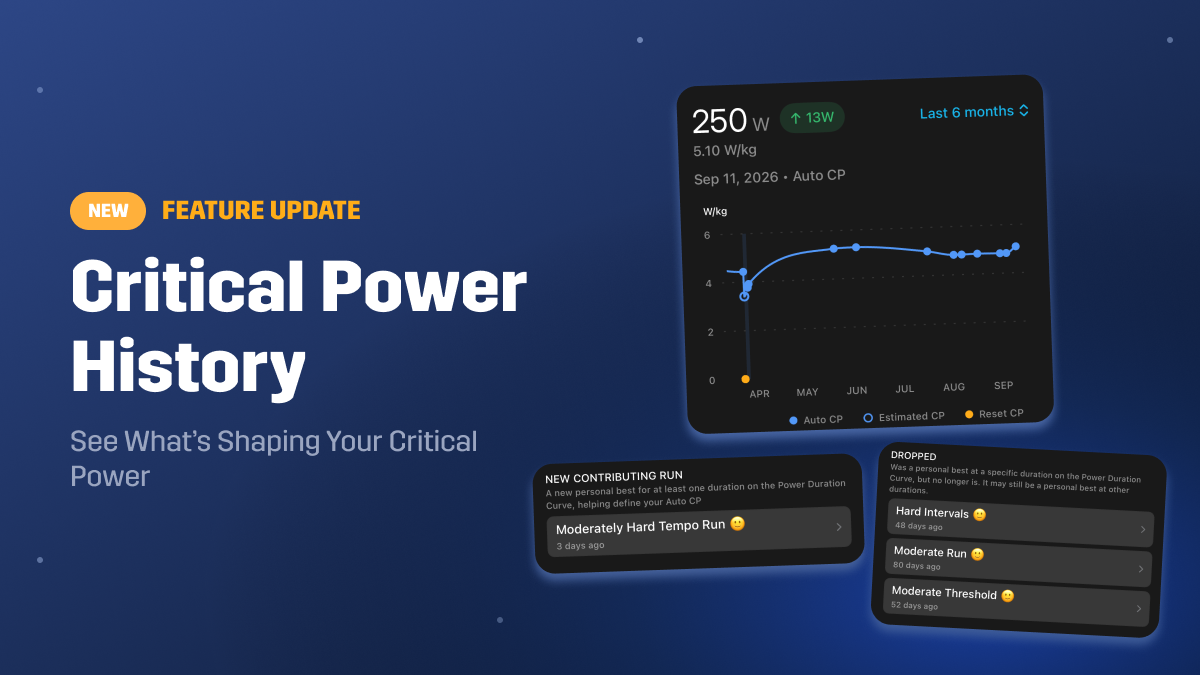
Critical Power History is now available in the Stryd app, giving you a new way to see how your Critical Power has changed over time and what’s behind each update.
Critical Power sits at the center of your Stryd experience, shaping your training zones, workouts, and race calculations. With Critical Power History, you can look back at your CP trends and understand the runs and efforts that contributed to them.
Originally launched in Stryd Labs for early access and feedback, Critical Power History is now officially available to everyone in the latest version of the app.
Let’s take a closer look at what’s new.
See Your Critical Power Trends Over Time
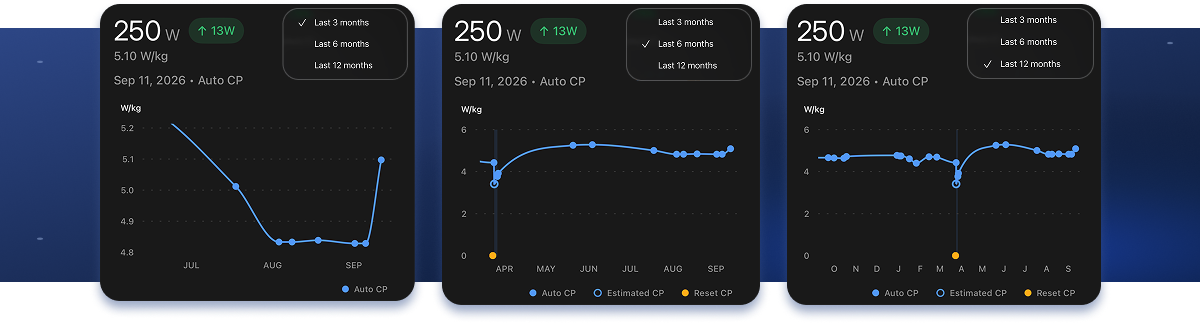
Critical Power History lets you view your CP trends across the last 3, 6, or 12 months, giving you the flexibility to focus on recent changes or step back and see the bigger picture. Drag across the chart to explore past CP values and see how they’ve changed over time.
Use the 3-month view to focus on recent changes, or expand to 6 or 12 months to see how your Critical Power has evolved across longer stretches of training. Follow the progression of a race buildup, see how your CP responded during a recovery period, or compare where you are now with earlier in the year.
Switching between time ranges puts each rise or dip into context and helps you better understand the story your training is telling.
Understand Why Your CP Changed
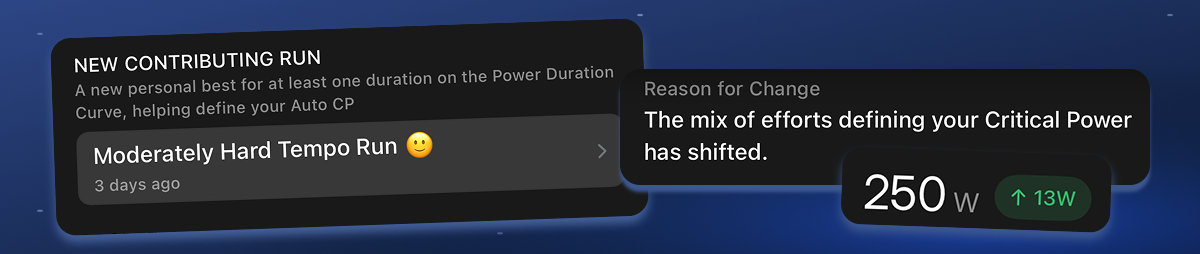
Every point on your Critical Power History chart includes a Reason for Change, giving you a clear explanation of what caused the update. Instead of simply seeing that your CP moved, you can understand what changed within the efforts used to calculate it.
Below that, Contributing Runs shows the specific efforts behind the change. A New Contributing Run means you set a new personal best for at least one duration on your Power Duration Curve, helping define your Auto CP. You can tap directly into each contributing run to explore the effort and data behind it.

See Which Runs Are No Longer Contributing
The efforts that help define your Auto CP can change as you continue training and record new runs. This keeps your Critical Power reflective of your current running fitness.
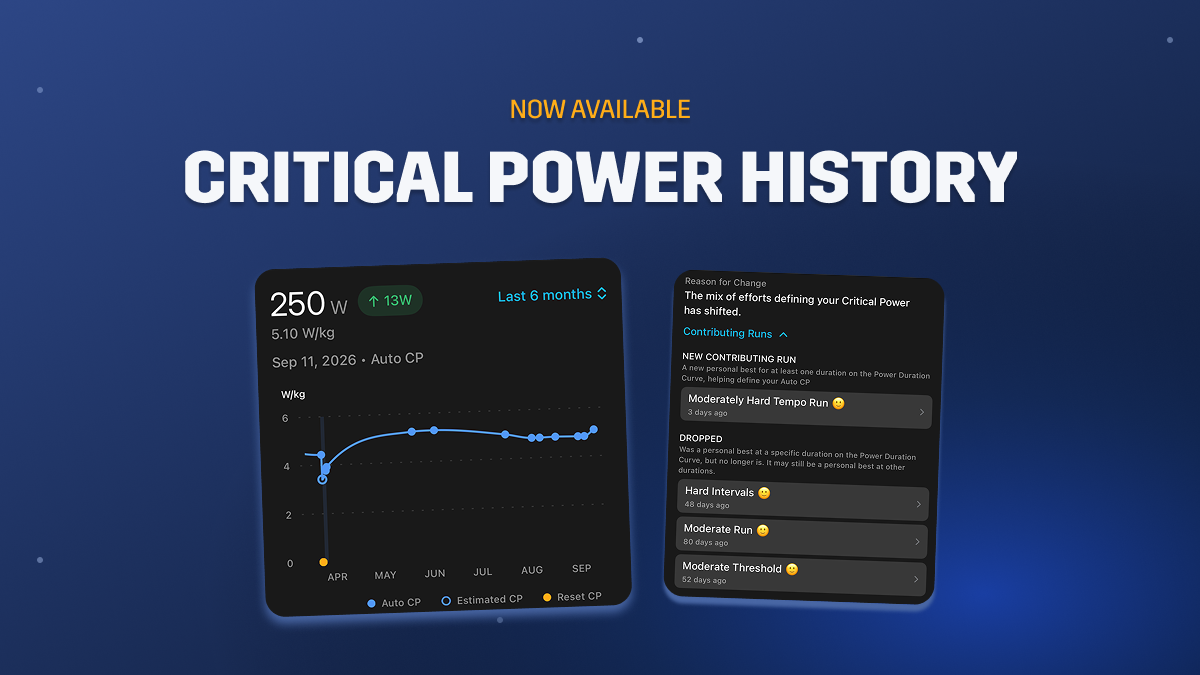
Under Dropped, you’ll see runs that previously held a personal best for a specific duration on your Power Duration Curve but no longer do. A dropped run may still hold a personal best at other durations and continue contributing to your Auto CP in those areas.
Together, New Contributing Run and Dropped give you a clearer picture of how the efforts shaping your Power Duration Curve, and ultimately your Auto CP, change over time.
Getting Started
Critical Power History is available in the latest version of the Stryd mobile app to all Stryd users. To get started:
- Update your Stryd app to the latest version.
- Open the Summary screen and tap your Critical Power to access your CP details and Critical Power History.
- Explore your history by switching between the 3, 6, and 12-month views. Select a change and scroll down to see the Contributing Runs behind it.
See the Bigger Picture Behind Your Critical Power
Critical Power History gives you more than a record of how your CP has changed. It gives you the context behind those changes.
By seeing when your CP changed, why it changed, and which runs contributed, you can better understand how your training is shaping your Critical Power over time. Instead of seeing CP as a single number, you can see the efforts and training behind it.
Update to the latest version of the Stryd mobile app and start exploring your Critical Power History today.